Diploma in Computer Teacher Training - CTT

Build a specialised career in computer education — learn not just the software, but how to actually teach it to others through structured lesson planning, demo classes, and hands-on training practice.

15 Months
19+ Module
Placement Support

Course Overview

Knowing a computer well and being able to teach it well are two very different skills — and that gap is exactly what Sardar Patel Academy & Research Centre (SPARC)'s Computer Teacher Training (CTT) programme is designed to close. This is an information-technology-and-computer-science diploma built specifically for learners who want a career in computer teaching and training, not just computer operation.
Over 18 months, the programme takes you through a full computer science foundation and then layers on the pedagogy — lesson planning, board presentation, classroom demo sessions, and interview practice — so that by the time you graduate, you can walk into a classroom or training centre and actually transfer that knowledge to students effectively.
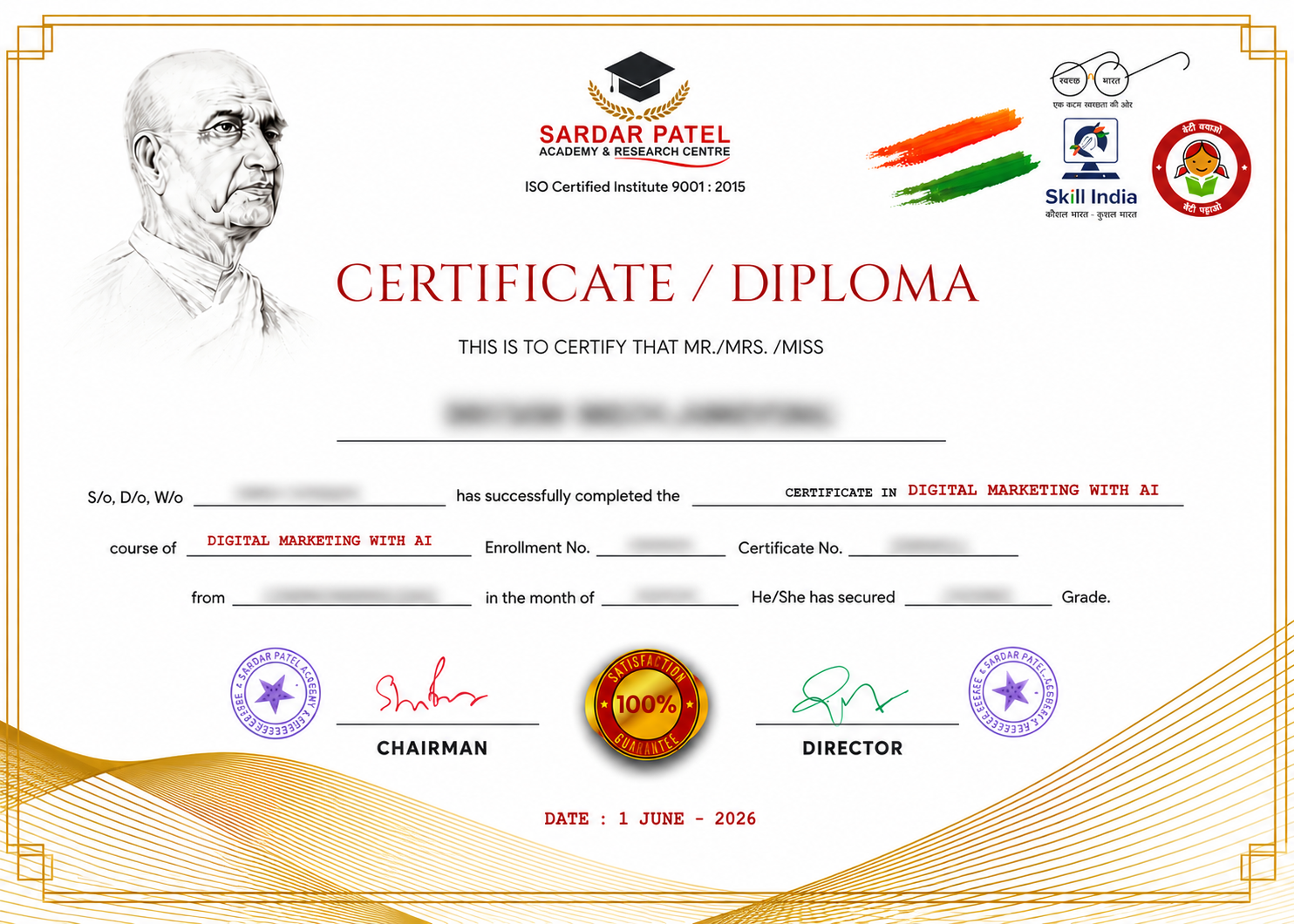
SPARC is based in GTB Nagar, North Delhi, and has been offering this diploma at accessible, reasonable fees for learners in the area. Because the course is government-aligned, successful candidates don't just get a SPARC certificate — they also become eligible for the CCC (Course on Computer Concepts) certification issued by NIELIT under the Ministry of IT (Govt. of India), along with a certificate from NIOS under the Ministry of HRD, Govt. of India.

Get Free Counseling

Fill the form & our team will contact you

What You Will Learn

Industry-Ready Courses | Real-World Projects Based Training | Diploma in Computer Teacher Training - CTT

IT/Digital Era - Entering into Computer World Keep your Data (Storage Device)

  • Computer Definition & Features
  • Application of computer
  • How to start Computer
  • login screen - user & Password
  • Desktop- Taskbar, Wallpaper, Icons
  • How to start paint, some basic tools

  • Computer Architecture Diagram
  • Father of computer
  • Devices of computer: Input, output & processing Memory Unit(MU)
  • Primary memory, Secondary memory
  • Unit of measurements
  • Hardware & Software
  • File & folder

Find your Space in Computer (File & Folder)

  • Window explorer , File & folder

Searching : Find your File/Folder Wild Cards

  • Extensions of program
  • Wild card Asterisk(*), Question mark(?)
  • Searching for file and folder

1.Start your Career - CV/Resume Creation

  • Definition, Feature
  • How to start Ms Word
  • File, font group

2.Beautifying your CV/Resume (Formatting)

  • Quick Access Tool Bar
  • Paragraph Group, Clipboard group, Editing group

3.Letterhead - Show case of Your Company

  • Insert tab: Header & footer group
  • Date & Time, Symbol Picture
  • Home tab: change Case, Border & Shading

4.News Paper & Magazine Creation (Column)

  • Page layout tab: columns, column break
  • Insert tab: Drop cap, Book cover
  • file:Auto correct
  • Review tab: Word Count, Spell Check, Thesaurus

5.Create your Own Book

  • Refrence tab: Insert endnotes, Insert footnotes, table of content
    watermark, Hyphenation

6.Links and Security

  • Refrence tab: Insert caption, index entry,
  • Links: Booksmarks, Hyperlink, cross Reference
  • Review tab: Track changes, Protect document

7.Connect your Customer (Bulk Mailing)

  • Mail Merge , Main document & Data source

8.Connect your selected customer(Record filtration)

  • Sorting of Record
  • Filter of Record
  • Lables
  • Envelope

9.Mark sheet Creation (Tabular format data )

  • Insert table, Draw table
  • Layout tab
  • Design tab

10.Document is ready to print/Record your actions

  • Page setup
  • Print preview
  • Print
  • Macro

1.World of Row and Column - First interaction with excel

  • Introduction of excel, Workbook, Worksheet, Row, Column, Cell, type of entries
  • Home tab: Cell group, Font group, Alignment

2.Invoice / Bill of Supply

  • Type of Reference : Absolute, Relative
  • Basic formulas
  • Sum, Product, Minus, Quotient, Mod, Percentage)

3.Result Declared (Automatic Calculation)

  • Function

4.Secure your Data/ Lock your data/ Restrict editing

  • Styles group :  Format as table, Conditional Formatting, Cell styles
  • Protection: Track Changes, Protection

5.Data Analysing Tool (Expense Limit & Comparision)

  • What if Analysis: Goal seek, Scenario, Data table

6.Pictorial Representation of Data (Chart Magic)

  • Pictorial Represntation of data
  • Chart, type of chart, formatting of charts

7.Organize your Data (Easier to Analyze)

  • Data validation, Data filtration, sort, subtotal

8.Analyzing Complex Data (Pivot Table)

  • Logical function: if and, if or
  • Pivot table, Pivot chart, Paste special

9.Lookup & Reference , Extract Your Data

  • Lookup functions : lookup, vlookup, hlookup
    match, index

10.Data is ready to Print /Page Setup

  • Page setup
  • Print preview

1.Welcome to Presentation World

  • PowerPoint - Definition feature, purpose ,view of slides
  • Home tab-slide group

2.Beautifying presentation (Formatting of presentation)

  • Font & Alignment Group
  • Inset tab - Illustration group
  • Themes & Background

3.Masters of Slide/ Slide Automation

  • Masters
  • Animation(triggers
  • Transition
  • Hyperlink, Actions
  • Slide background

4.Its presentation time now

  • Slide show tab - From beginnng, from current slide, Custom slide show,setup slide, Hide slide, Record narratio, Rehearse timing, slide show
  • Inset tab- photo album

5.Advance feature of Presentation

  • Running Clock, Moving Car, Making Picture, Bouncing Ball

1.World of Internet 

  • Internet introduction & Benefit
  • Computer Network: LAN, WAN, MAN
  • Services of internet
  • Search engine, Web browser

2.Online Communication

  • Inbox , Reply, Forward, composing, Attachments of file,
    Change password(setting of E-mails) , Facebook account handling, 
    Facebook page creation

3.Downloads/Booking

  • Ticket Reservation & Booking, Online shopping, Online Bill payment, Book movie ticket
  • Download: Image, font style, app, pdf, song, movie

4.Digital India

  • Cash less society
  • E-wallets, UPI, Plastic money, USSD, Net Banking

1. Introduction to Canva

  • Overview of Canva and its features
  • Setting up a Canva account
  • Navigating the Canva dashboard

2. Social Media Graphics

  • Designing social media posts for Facebook, Instagram, Twitter, and LinkedIn
  • Creating social media stories and ads
  • Using Canva's social media templates and design tools

3.Presentations

  • Creating engaging presentations for work, school, or personal projects
  • Using Canva's presentation templates and design tools
  • Adding text, images, and graphics to presentations

4.Infographics

  • Visualizing data and information with Canva's infographic templates
  • Designing and customizing infographics
  • Using charts, graphs, and icons in infographics

5.Posters, Flyers, and Brochures

  • Designing eye-catching posters for events, promotions, or advertising
  • Creating flyers for events, businesses, or services
  • Designing tri-fold or bi-fold brochures for marketing materials

6.Business Cards and Branding Materials

  • Creating professional business cards with Canva's templates and design tools
  • Developing brand guidelines, logos, and visual identities
  • Designing letterheads, envelopes, and other branding materials

7.Videos and Animations

  • Creating short videos or animations using Canva's video editing tools
  • Adding text, images, and graphics to videos
  •  Exporting and sharing videos

8.Invitations and Advanced Topics

  • Creating invitations for events, parties, or weddings
  • Using advanced Canva features like custom fonts, illustrations, and animations


1.Learn Web Development 

  • HTML Basic Intro and Version
  • Elements & Tags , Types of elements(Empty and Container)
  • Basic HTML element, Hgroup
  • Element(H1 to H6)

2.Styles your webpage

  • Using Font Element & Its Attributes
  • Styles Element (B,I,U,SUB,SUP,EM,MARK)
  • Paragraph Element ,Contents Editable
  • Center Element, BR element

3.News Section/Digital Showroom

  • Image Element, Image Placeholder, Image Map
  • Quotation Element (q , bdo , abbr, address)
  • Marquee Element

4.Landing Site/Linking 

  • Types of Linking : (Local, Interrnal, External, Download, Mail)
  • Anchor Element and its Atributes

5.Count The Points

  • Order List , Unorder List, Nested List
  • Definition List

6.Result Declaration

  • Table Element
    Its Components (TR, TH, TD)
    Its Attributes
  • Rows &column Merge, Caption Element

7.Framing

  • Frameset Element
    Frameset Rows, Frameset Cols, Frame Src ,
  • Iframe Element

8.Video/Audio Gallery

  • Use Video Element And Audio Element

9.Enquiry Form/Lead Generation

  • Form Element
  • Input Element And Its Type
    (Text, Radio, Checkbox, Number, range, Email, Password, Button, Submit, Reset, Image, File, Color, Date, Time, Date time-Local, Search)

10.Banking Form/KYC Form

  • Form Element
  • Advance Attribute of  Input Element (Autocomplete, Autofocus, Tab index, Required, Size, Step)
  • Advance Form Element (Select, Text area, Field set, Legend) 

1.Dynamic Site

  • CSS Introduction
  • Types Of CSS
    (Inline CSS , Embedded CSS, Link/External CSS)

2.Blocks Creation

  • DIV Element, Span Element , Margin, Padding, ID & Class

3.Background Magic

  • Background Effects
  • Background Properties
  • Gradient Background
  • Linear, Radial, Angular, Diagonal, Repeating
  • Browser Supports Key

4.Customize Text

  • Formatting Text Font Properties
  • Text Properties Text-Overflow, Word-Break, Word-Wrap, Columns
  • Border Effects Style, Width, Color

5.Designer List/Chart Library

  • Modified List & Tables
    List Properties, Table Properties
  • Shadow Effect Box-shadow, Text-Shadow
  • Round Corners
  • Div, Button etc 

6.Menu Bars/Google Map

  • Creating Menu Bar, Anchor Properties, Transition Effects
  • Hover Effect Text, Image

7.Timeline/Animated Webpage

  • Animation/Transition
  • 2D Animation And 3D Animation

1.Introduction Of  WordPress

  • WordPress intro 
  • Xmapp Intro
  • Apace , SQL , Localhost 
  • PHP,  my admin

2.Log-in Directory Interface

  • Dashboard 
  • Front end , Backend Appearance
  • Theme , Site Identity

3.Menu/Page Creation 

  • Page (Simple)
  • ADD,
  • Edit
  • Delete
  • Menu Location

4.Plugins

  • About Plugins
  • Download , Activate
  • Elementor 
  • (Text, Inner Section, Button Video , Heading ,Image)

5.Plugins(Form)

  • Contact From , Short Code
  • WP-from
  • Gravity Form
  • Formidable From
  • Ninja From

6.Plugins(Gallery)

  • Envira Gallery
  • Nextgen Gallery
  • Photo Gallery By Loweb
  • Lightbox 
  • Divi Gallery Extended

7.Widgets & Posts

  • Widgets 
  • Main, Secondary Post
  • Add , Delete , Edit 
  • Category
  • Tags

8.Roles and Capabilities Of User

  • Administrator , Super Admin 
  • Author , Editor 
  • Subscriber 
  • Add Plugins 
  • Easy Collage Plugins

9.Comments And Appearanc

  • Comment 
  • Moderate & Unmoderated 
  • Hide Comments Appearance
  • Style.CSS , 404 Template 

10.Website Completion

  • Revision

11.Google Sites 

  • Intro Of Google Sheet 
  • Creation a Website

12.Advance In Google Sheet 

  • Page Creation

13.Google Site With Google Other App

  • Docs, Sheets , Sliders , Form

1.Responsive Website

  • Intro of Javascript
  • How to Script Tags
  • String Operator

2.Marksheet & Interest Calculation

  • Operators 
    • String Operators
    • Arithmetical Operators
    • Conditional Operators
    • Comparison Operators

3.Your Turn to Give Command

  • Input Box 
    • Prompt()
  • Data Type
    • ParseIent()
    • ParseFloat()

4.Online Entrance Exams

  • Functions & Event 
  • Disabled Property 
  • Conditional statement 
    • Simple If
    • If-Else
    • Nested If

5.What Colour You Want

  • Switch Case
  • OnChanges Event
    • document.Bgcolor
    • document.Fgcolor

6.Check User Id & Password 

  • Functions 
    • Alert() 
    • Confirm()
  • Validate Form
    • OnLoad Event
    • unOnLoad Event

  • History of Python
  • Technical Strength

  • Python
  • Python IDE

  • Variable
  • Assignment operator
  • Data type of  variable
  • Literals

1.Numeric

  • int
  • float

2.Sequence 

  • string
  • list
  • tuple
  • dictionary 

  • if
  • if-else
  • if-elif  else
  • Nested if-else

  • For Loop
  • While Loop
  • Nested Loop

  • Introduction of Tuple
  • Operation on tuple

  • Introduction of List
  • Operation on List

  • Introduction of Dictonary
  • Operation on Dictonary

  • Creation of function
  • Use of function

  • Objects
  • Classes
  • Types of classes
  • Function
  • Calling of classes

  • built-in
  • third party

  • Array
  • Operation on array

  • Series
  • Dataframe
  • Opration on dataframe & series

  • Visualization of Data

  • Database Introduction
  • Database & DBMS
  • Advantages of Database
  • Creation of Database
  • Data Models (Hierarchical Data Model)
  • Network Data Model
  • Relationship
  • RDBMS (SQL Queries, Primary Key, Foreign Key, etc.)

  • IOT
  • Blockchain
  • Cloud Computing
  • Internet and Networking
  • Cyber Security
  • Online Editor & AI Tools

  • Take any interdisciplinary real-world case study
  • Summarize data reports using Base
  • Input via forms and output via reports
  • Document the case study using Writer
  • Portfolio must include practicals using Writer, Calc, and Base (minimum 5 problems each)
  • Viva - Voca

  • School Management & Programming
  • Child Psychology
  • Proficiency in ICT
  • Classroom Teaching Practice
  • School Internship Programme

This experience helps individuals to become technically proficient in software, IT Skills, or teaching methodologies.

Tools & Skills Covered

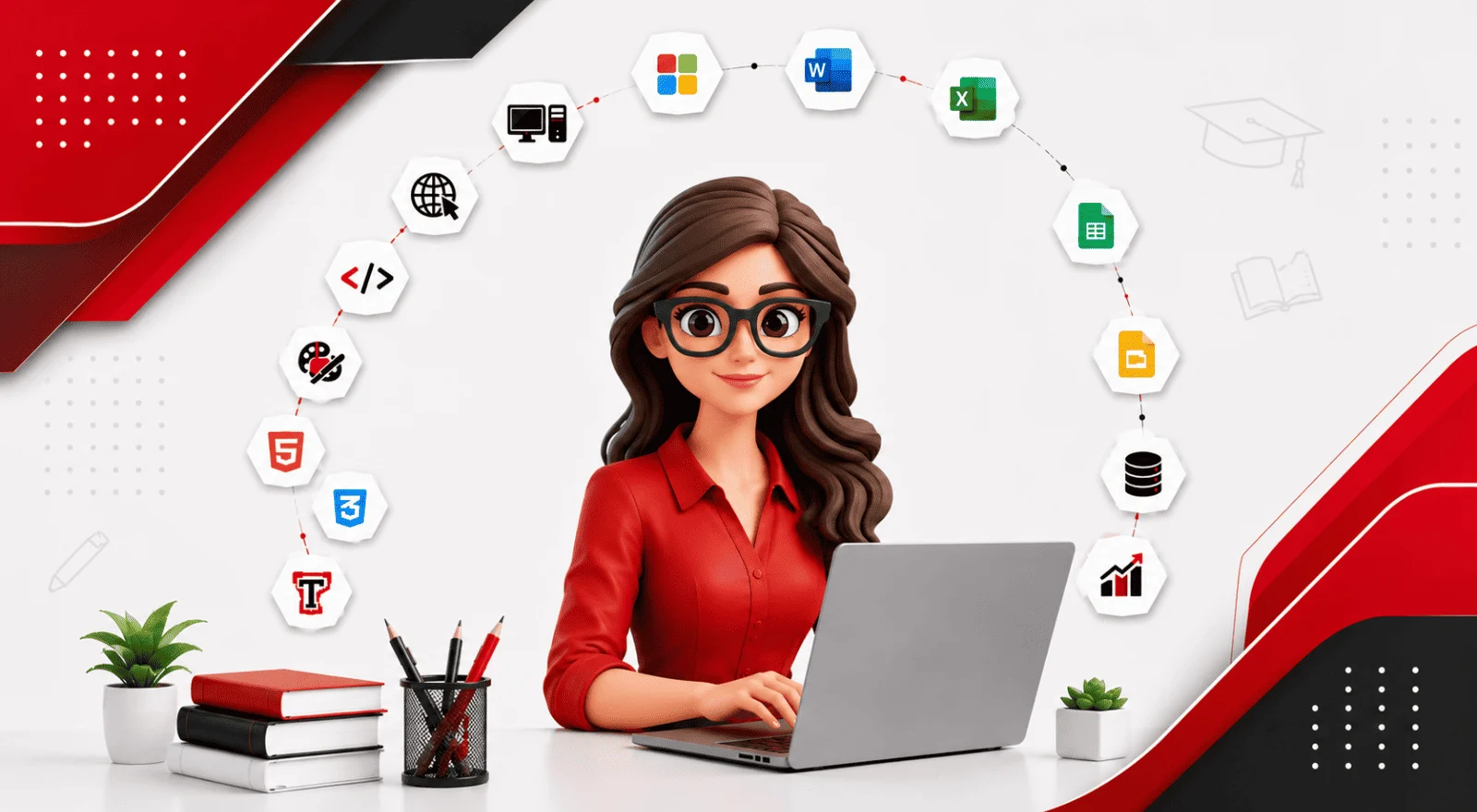
Get hands-on training in the most in-demand tools and real-world digital marketing skills.


Why Choose SPARC for Computer Teacher Training?

SPARC's Computer Teacher Training (CTT) programme is designed to help students become confident computer educators through practical computer education, classroom teaching practice, and government-recognised certifications. With experienced faculty, live training sessions, placement support, and dedicated teaching methodology, students gain both technical expertise and the confidence to teach effectively in schools, institutes, and training centres.

Project Based Training

Every module includes practical assignments and live projects, helping you apply your learning while building a professional portfolio.


Our successful alumni

We are proud to present our alumni who have made it big in the industry. Magic happens when our training and their hard work come together.

Placement Support

At Sardar Patel Academy - SPARC, we don’t just teach skills—we prepare students for successful careers. Our Placement Support program is designed to help learners become job-ready through professional resume building, interview preparation, and direct job assistance. We also conduct mock interviews and communication skills training sessions to boost confidence and improve performance during real job interviews. Additionally, our team provides job assistance by connecting students with hiring companies and recruiters, helping them explore relevant career opportunities and take the next step toward a successful future.

VE

Video Editor And Smo Handling

Astrologer

Posted On 07 Aug 2026
Location Model Town
Salary 12K -15K Monthly
CF

Computer Faculty

----------

Posted On 07 Aug 2026
Location School In Model Town
Salary 25k to 30K Monthly
CD

Computer Data Entry Operator

Jai Mahavir Electricals (purja)

Posted On 07 Aug 2026
Location Sadar Bazar, Delhi
Salary ₹12,000 – ₹18,000 Monthly
ME

Mis Executive

Action International Pvt. Lyd.

Posted On 30 May 2026
Location Peeragarhi, New Delhi
Salary salary depend on your advanced excel skills Monthly
A

Accountant

Sparc

Posted On 28 May 2026
Location Priyadarshini Vihar, Near Guru Harkrishan School
Salary 14,000 to 16,000/- Monthly
SE

Smo Executive

---

Posted On 16 Apr 2026
Location Moti Nagar, Delhi
Salary On interview bases Monthly
SE

Smo Executive

---

Posted On 16 Apr 2026
Location Delhi
Salary On interview bases Monthly
DM

Digital Marketing Internship

----

Posted On 30 Mar 2026
Location 528, City Centre Mall, Dwarka Sec 12
Salary On interview bases Monthly
DA

Data Analyst

---

Posted On 28 Mar 2026
Location New Azad Nagar, Delhi
Salary On interview bases Monthly
T

Telecaller/Receptionist

---

Posted On 28 Mar 2026
Location Delhi
Salary On interview bases Monthly
A

Accountant

Ca Firm

Posted On 27 Mar 2026
Location Delhi
Salary On interview bases Monthly

Career Opportunities After This Computer Teacher Training (CTT)

Build skills that can open multiple career paths across agencies, startups, brands, freelancing, and business growth.

What Our Students Say

Delivering practical skills, real projects, and career-focused training across Delhi-NCR
Average Rating: 4.9 /5 from 2500+ Reviews

Career Guidance Blog

Let's Clear up some doubts

Everything you need to know before joining — from eligibility to fees and career opportunities.

With a solid grasp of Microsoft Office, web design, and basic programming, students who complete this course will be ready to teach computers with confidence.

Yes, even complete novices are welcome to sign up. Beginning with the fundamentals, the course progresses to computer knowledge at the teaching level.

Along with AI tools and internet skills, you will learn Word, Excel, PowerPoint, Canva, HTML, CSS, JavaScript, WordPress, and Python.

Yes, in order to prepare you for real teaching environments, the course includes a one-month internship based on the CBSE syllabus

You can work as a trainer, lab instructor, computer teacher, or even as a freelance web designer etc.

Start Your Career Journey Today

Join SPARC and become part of a community that believes in affordable, quality education

Areas We Serve : North Delhi| Rani Bagh| Janak Puri| Nangloi| Dwarka Mor| Nazafgarh
Call Now Chat Now